




Kits
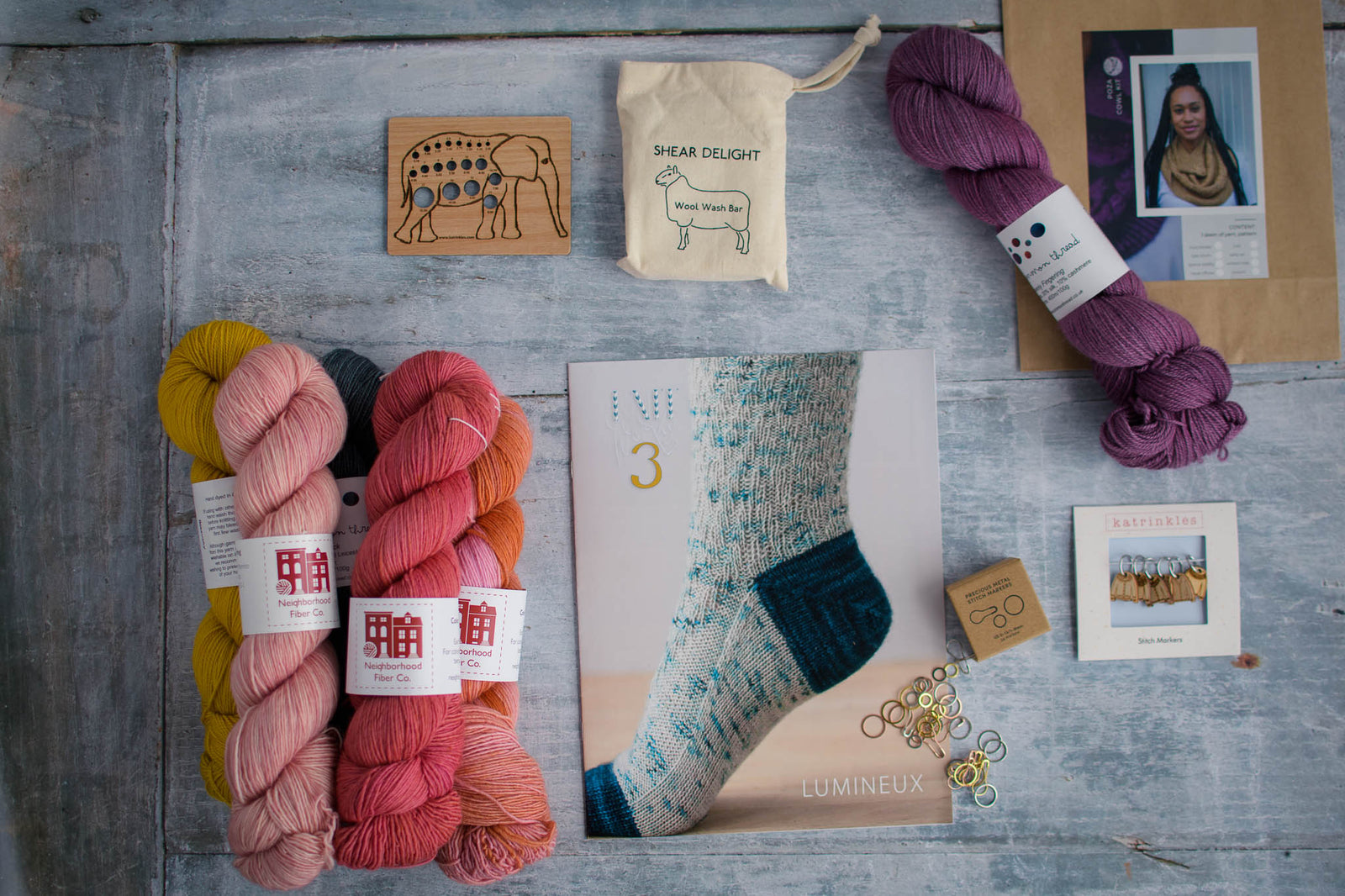

New! Celebrate this chapter of Ysolda.com as it comes to an end with a special, personalised bundle of our best products, hand-picked by our team just for you.
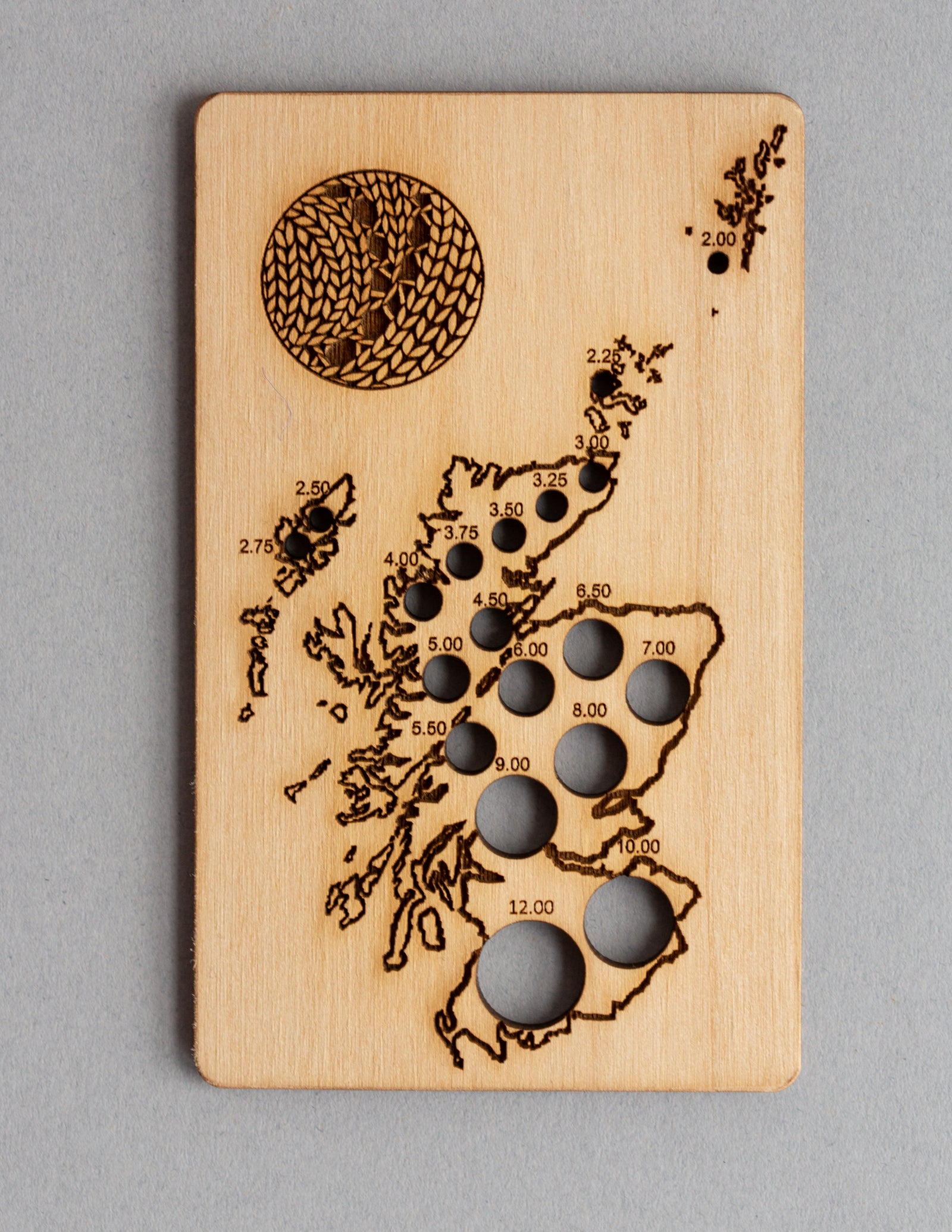

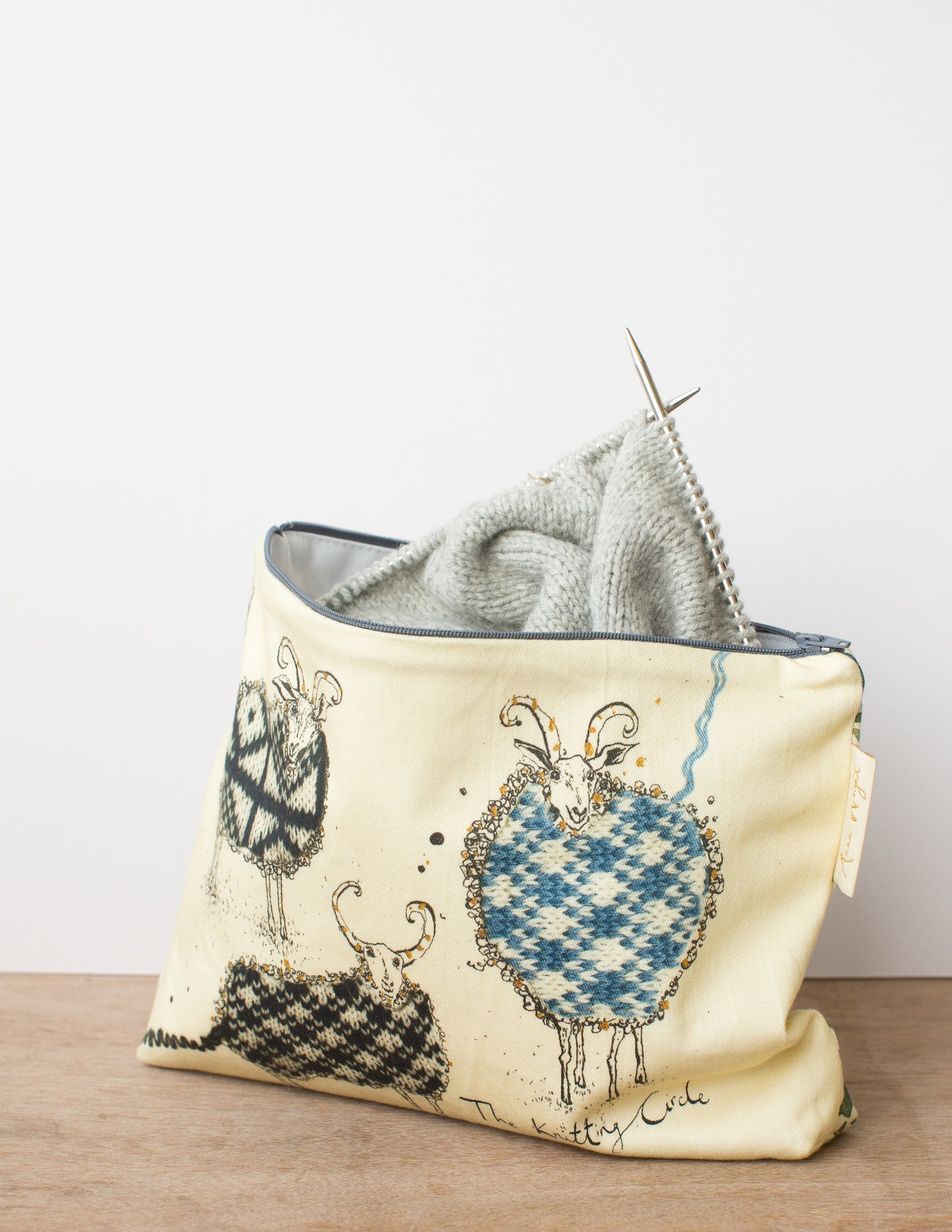

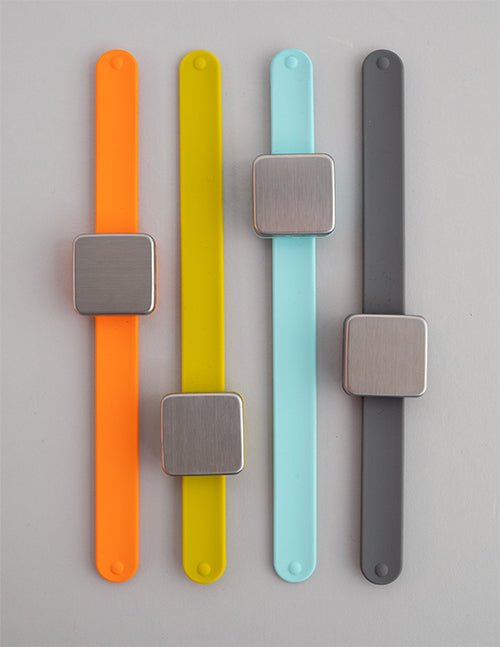

gift 2019





Subscribe to our Colourwork Club for a gift that lasts well into the new year. Your recipient will receive a new colourwork kit in Janurary, February and March
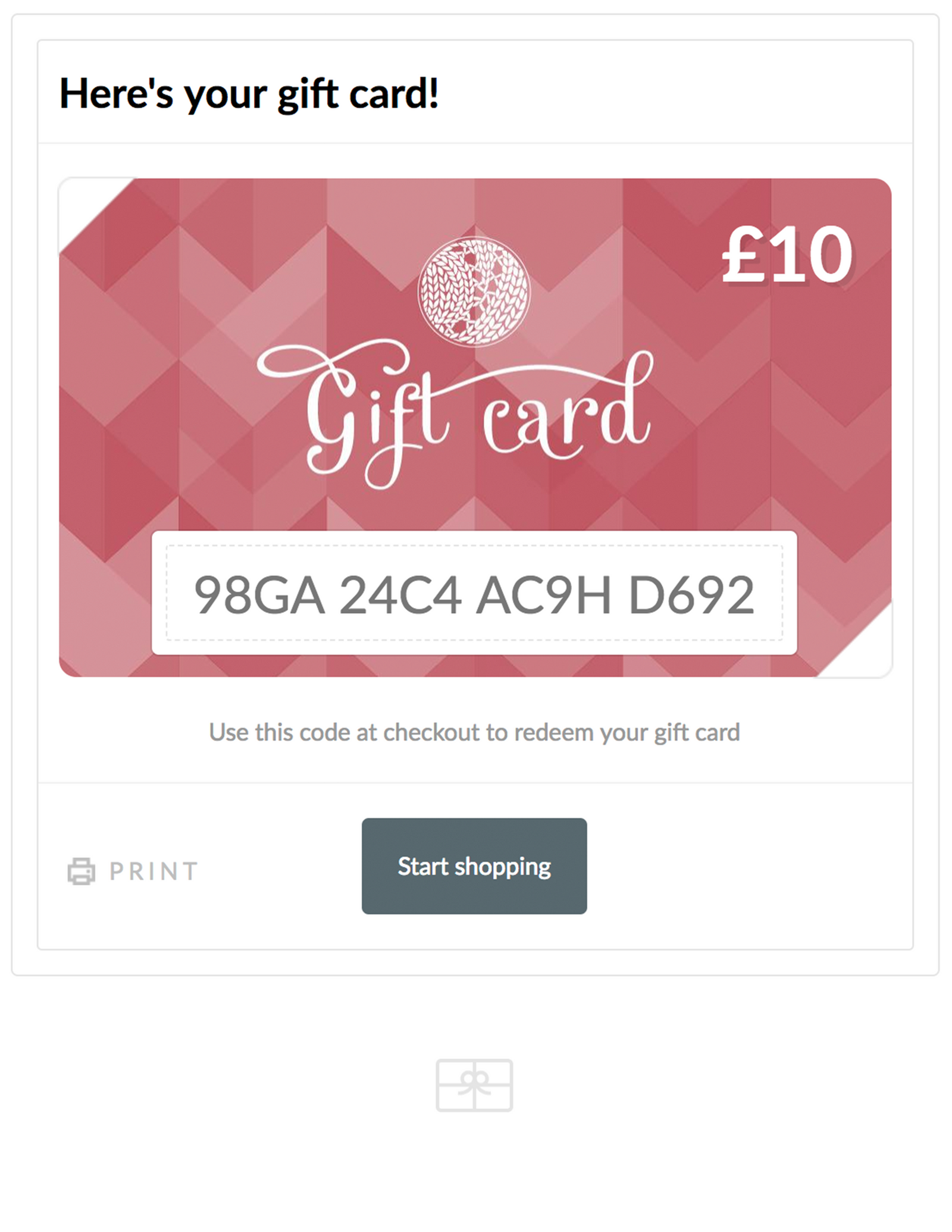
Last minute shopping? Gift cards are delivered electronically - forward the email or print it for your recipient. A range of amounts are available and gift cards don't expire.
Checking for pdf updates in ravelry
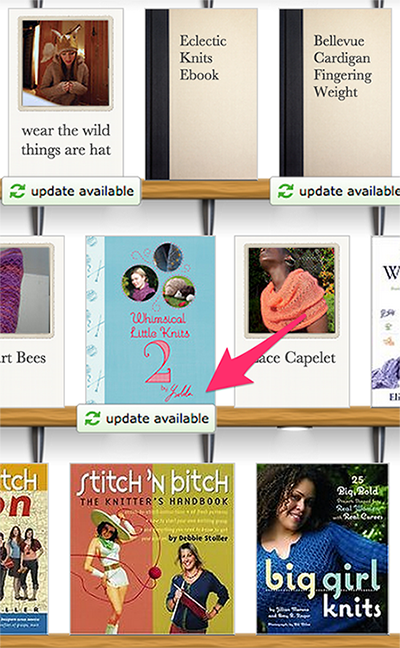
The easiest way to check for updates is to go to your ravelry library. Select library from the drop down menu under my notebook or the side bar menu when you are in your notebook. Once you're in your library it will look like this, click on the button that says 1 update available (or more depending). This button will also appear under the pattern on the shelf in your library.
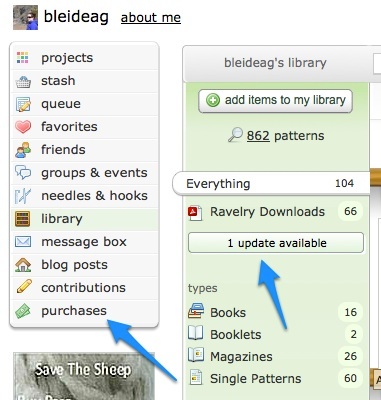
This button will also appear under the pattern on the shelf in your library.
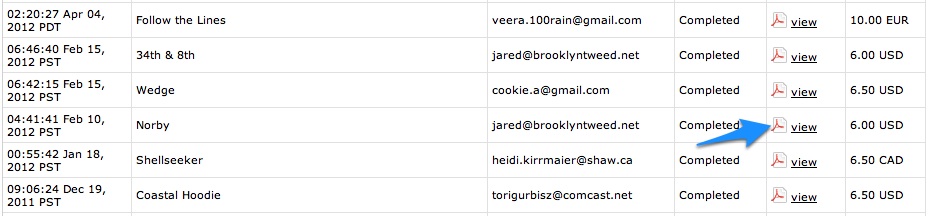
If you haven't got this button (which could mean the pattern isn't stored in your library) click on purchases in the side bar and search for the pattern you would like to add to your library. For this example I'm going to use Norby by Gudrun Johnston. To add it to your library or download a pdf copy click on 'view' under downloads.
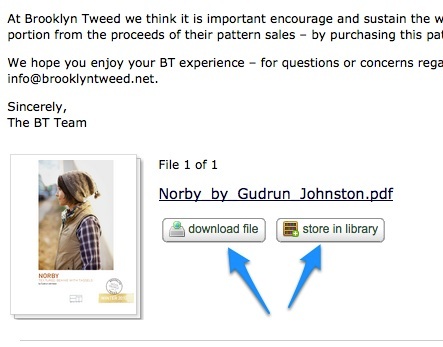
Click on download to download the latest copy and/or store in library to add the latest copy to your library
 .
.
If you are still having difficulty accessing the update after trying the above, use the contact us form and we'll do our best to help.